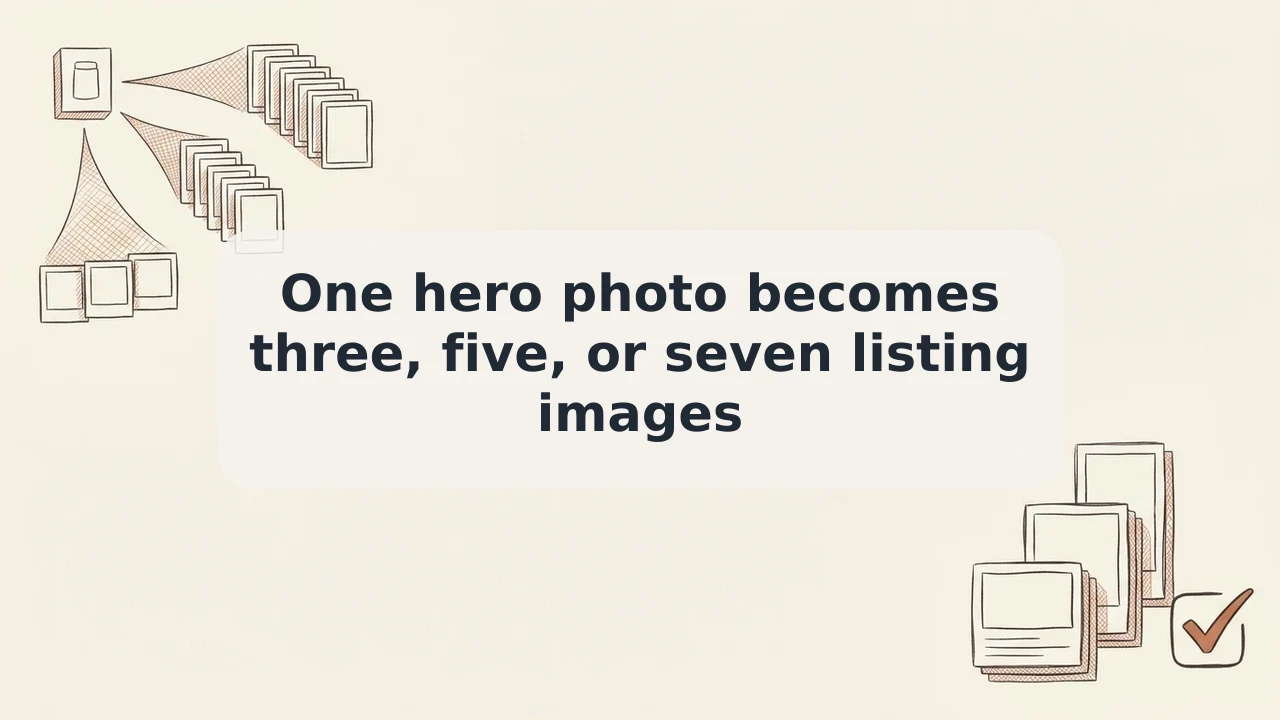
Essentials, Full listing, or Complete: 3, 5, or 7 Shopify product images from one hero photo
You have the hero shot; the product card still needs more frames. Here’s how I pick a 3-, 5-, or 7-image set in Bulk Look AI, review the output, and publish only what fits.
Your main product photo is already in Shopify. Collection cards and PDPs still want another angle or a bit of context—and booking another shoot for every SKU gets old fast. Bulk Look AI: Product Images reads each product’s hero image from the store and builds new shots in one style or in a fixed frame set: Essentials (3), Full listing (5), or Complete (7). Same topic: AI product photos for Shopify,.
Before peak season I like to have several images per SKU and alt text lined up. One job can cover a lot of catalog—up to 2,000 items—as long as each row has a main photo.
When to choose 3, 5, or 7 images
These are defined set sizes in the app, not a custom slide count:
| Set | Images | When it fits |
|---|---|---|
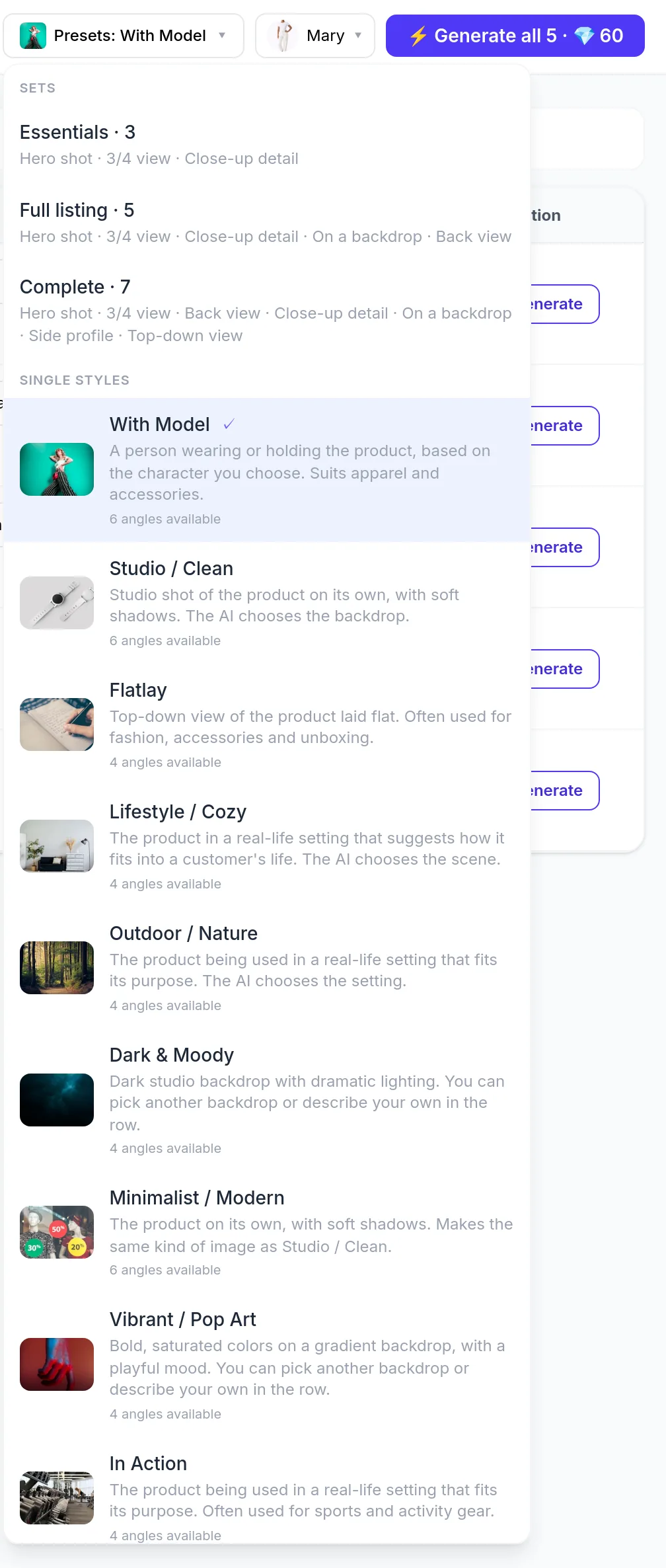
| Essentials | 3 | A minimum gallery so listings aren’t single-image in collections; fast refresh across many SKUs. |
| Full listing | 5 | A fuller PDP—multiple views and context without a per-SKU photoshoot. |
| Complete | 7 | Richest on-page story—detail, scene, and varied presentations from one source photo. |
Within each set size, the mix can adapt by category—apparel vs. electronics can get different shot types at the same 3/5/7 count. You can also pick one of nine single-image styles: With Model, Studio / Clean, Flatlay, Lifestyle / Cozy, Outdoor / Nature, Dark & Moody, Minimalist / Modern, Vibrant / Pop Art, In Action. Handy when part of the catalog needs one look (e.g. Studio / Clean everywhere) and other SKUs get a full set.
One app job: table to publish
- Install Bulk Look AI: Product Images (aibulkimages.com). New stores get 50 free credits once; after that, prepaid credits—no subscription.
- Open the products table, filter or select rows (up to 2,000 per run). Products without a main photo are not charged—they’re skipped.
- In the preset menu, pick Essentials, Full listing, Complete, or a single style. For on-model shots, use With Model and one of 17 built-in AI characters (nine women, eight men, including four athletic builds for sports goods)—or upload your own model photo for free if the person consents; faces may not match exactly. Same topic: AI model photos for a.
- Set quality (Medium, default High, Ultra, Ultra 4K). Credits apply per generated image. You see the maximum price before the run; publishing costs no credits.
- Confirm generation for selected rows. Large runs show progress; you can stop the job.
- Review every output. The image may differ from the physical product—I wouldn’t publish anything that doesn’t match the SKU. Delete unwanted variants in the app.
- Publish selected images to Shopify as additional media or as the new main image—the previous main moves down and is not deleted. Images attach to the product, not a single variant. Alt text comes from the product title plus style and isn’t edited in the app; refine alt in Shopify Admin after publish (brief, descriptive copy—Shopify recommends around 125 characters or less). AI disclosure on media is your call as the merchant.
Full UI walkthrough: product video.
What a set costs in credits (example)
List price is $0.05 per credit; larger packs cost less (smallest pack: 100 credits for $5.00). At default High quality (12 credits / $0.60 per image), approximate per product at list credit price:
- Essentials (3) — about 36 credits (~$1.80)
- Full listing (5) — about 60 credits (~$3.00)
- Complete (7) — about 84 credits (~$4.20)
Your job shows the exact charge before credits are used. The app does not guarantee exact pixel dimensions.
Practical tip
One bulk run can treat SKUs differently: Essentials on some rows, Full listing or Complete on others via per-row or bulk toolbar presets. You expand galleries without reshooting and keep manual control—nothing hits the storefront until you publish.
Install Bulk Look AI: Product Images—pick your set, review, publish only what you keep.