Flatlay and In Action for Shopify: bulk new frames from each hero photo in Bulk Look AI
I keep seeing listings with one hero shot and nothing flat or in-use on the card. Here's how I use Flatlay and In Action in Bulk Look AI to add those frames in bulk: filter, pick a 3/5/7 set, review, publish, no photoshoot.
I open catalogs where the hero image is fine, but the card still has no flatlay and no in-use frame. A shoot across hundreds of SKUs is slow and it gets expensive fast. Bulk Look AI: Product Images reads each product's existing main photo in Shopify and builds new images in the style I pick. Among nine presets, I care about Flatlay (top-down layout) and In Action (use-case context) for this job. I already covered Studio / Clean and white-background-to-lifestyle elsewhere: this piece is only those two styles. A closer look: One Studio / Clean look.
When to pick Flatlay vs In Action
- Flatlay: I want a tidy overhead card, email asset, or social tile without physically re-styling the product.
- In Action: shoppers need to see how the item fits a real scenario, not only an isolated pack shot.
| Option | Best for | Not for |
|---|---|---|
| Flatlay | Tidy overhead card, email asset, or social tile without physically re-styling the product | Showing how the item fits a real scenario |
| In Action | Shoppers seeing how the item fits a real scenario | An isolated pack shot only |
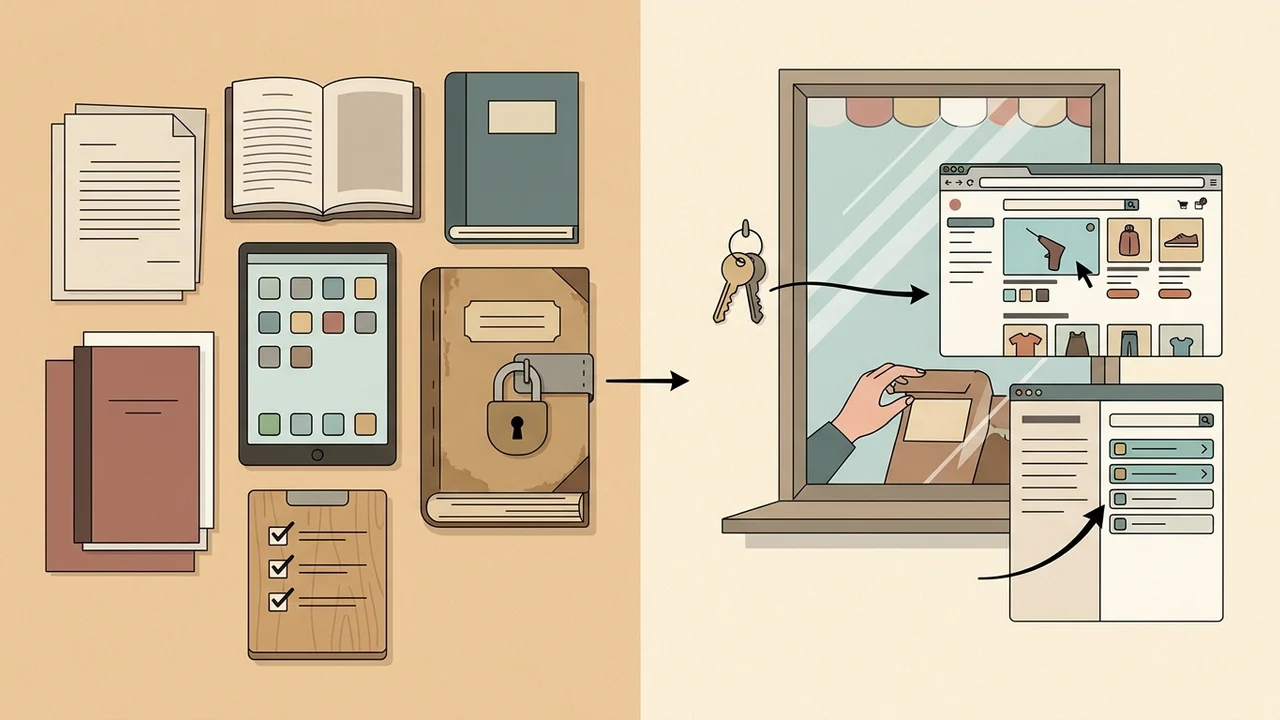
Both styles use the same source: the current main product photo. Listings without a main image are skipped and are not charged for that run.
One in-app job: filter to publish
- Install from the Shopify App Store and open the product table in Bulk Look AI.
- Filter the list I need (category, search, status). Each launch handles up to 2,000 matching products.
- In the style toolbar, choose Flatlay or In Action (or set styles per row). The preset menu looks like this: Same topic: AI product photos for Shopify,.
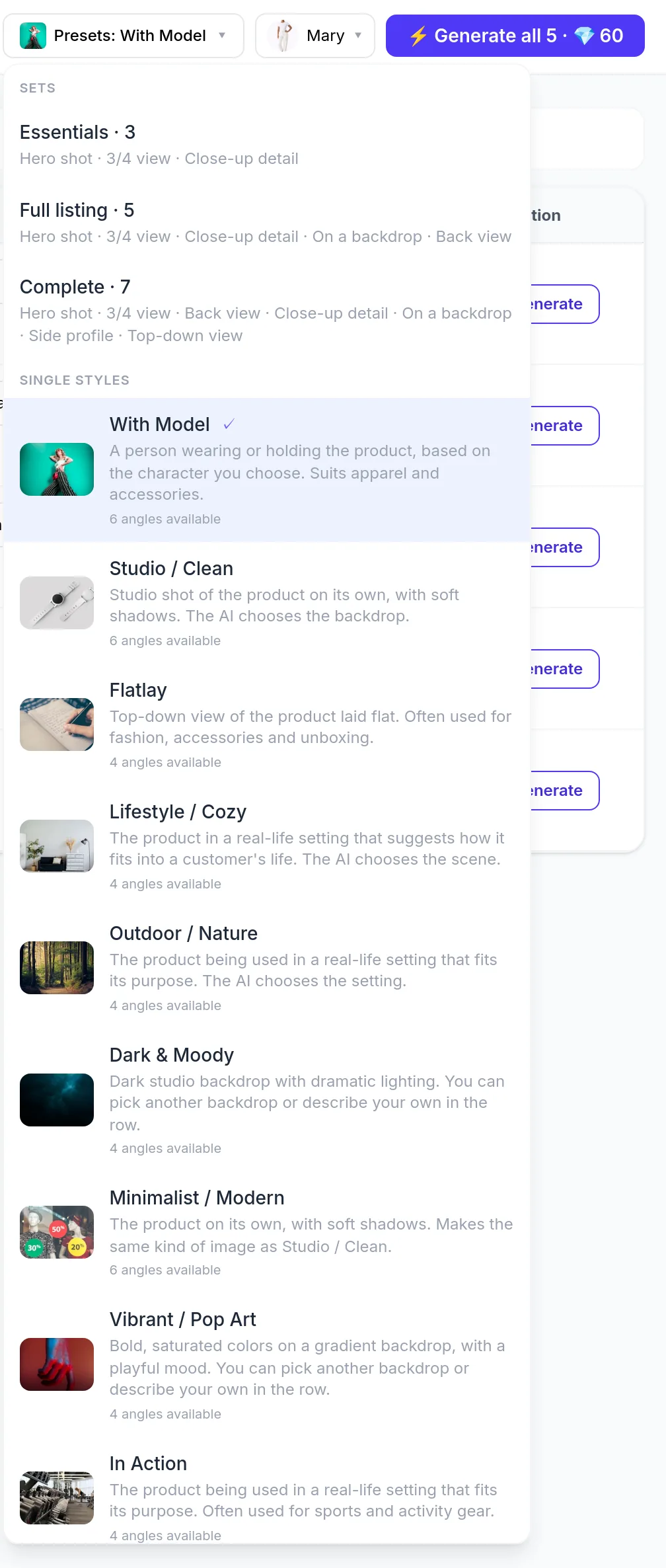
- Instead of a single style, I can pick a shot set: Essentials (3), Full listing (5), or Complete (7). Sets combine several frames for the category. For flat or in-action results I trust preview after generation, not marketing examples on the site.
- Choose quality (Medium, default High, Ultra, Ultra 4K). Before you generate, the app shows the maximum credit price. You buy credits up front with no subscription; new stores get 50 free credits once. Publishing approved images costs no credits.
- Run generation on the filtered products and wait for in-app results.
- Review every frame. Official product guidance: output may differ from the real item (shape, color, details). I do not publish on autopilot.
- I only publish frames I'm happy with. Nothing goes live in Shopify until you hit publish.
- Add the image as additional gallery media, or
- Set it as the new main: the previous main moves down in the gallery and is not deleted.
- Alt text is built from the product title and style in the app; I edit it in Shopify admin when SEO matters. Images attach to the product, not a single variant. Whether to label media as AI-generated is your call. Same topic: Essentials, Full listing, or Complete:.
The product walkthrough video shows the table and bulk flow. The demo emphasizes on-model swaps; for Flatlay and In Action I rely on my in-app style choice and a post-generation review.
Set cost vs one style
One High frame (12 credits, about $0.60 at the $0.05-per-credit entry pack rate) scales with product count and frames per run. A 5- or 7-frame set per SKU costs more than a single Flatlay but can finish a card without a shoot series. Studio or location work adds rental, talent, logistics, and time. Here I pay only generation credits and I approve before anything is live.
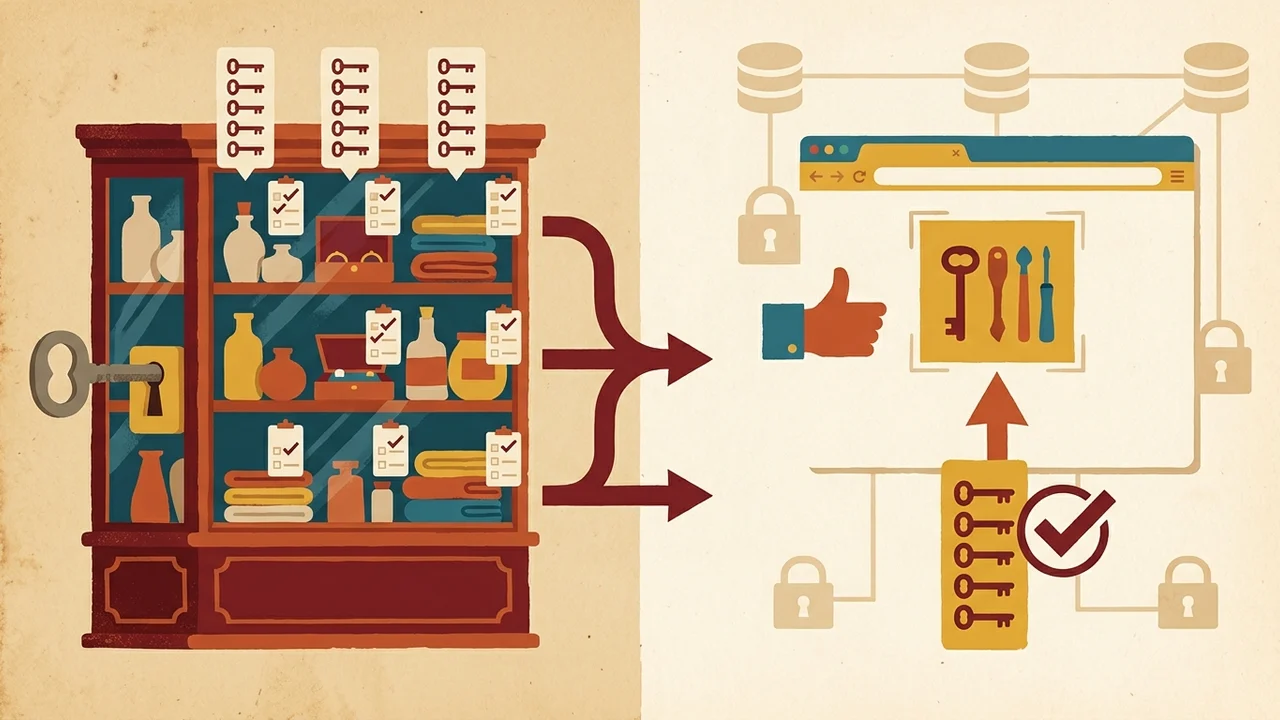
| Option | Cost | What it is for | What it is not for |
|---|---|---|---|
| One High frame | 12 credits (~$0.60 at $0.05-per-credit entry pack); scales with product count and frames per run | A single high-quality frame per product | — |
| 5–7 frame set per SKU | More than a single Flatlay | Finishing a card without a shoot series | Cheaper than one Flatlay |
| Studio or location shoot | Rental, talent, logistics, and time | Studio or location production | Credit-only spend with approve-before-live workflow |
| Generation-only workflow (here) | Generation credits only; approve before anything is live | Paying only credits and gating what goes live | Studio/location rental, talent, and logistics model |
What I keep in mind
- I run Flatlay or In Action where the hero photo is already clear: the AI follows it but does not promise a pixel-perfect match.
- I split very large catalogs with filters so I stay under the 2,000 cap per launch.
- With Model and custom model uploads (only with the person's consent) exist in the app; they are optional for this job. Flatlay and In Action do not require a new photoshoot.
Next step: install Bulk Look AI: Product Images, pick Flatlay or In Action on a filtered list, review frames, and publish only what matches your product.