BulkImagen SKU templates and POST /v1/batches: from a Bubble row to a batch job via BIAIG
A Bubble developer checklist: SKU in Data Types, ~500-row catalog chunking, server-side POST /v1/batches, polling, and saving PNGs to Bubble Storage—mapped to official API limits, not hype.
Why this matters now
The digest keeps circling BulkImagen: spreadsheet-style SKU templates on the service side and POST /v1/batches—REST that maps cleanly onto Bubble Data Type rows. I already covered agent skill + REST batch and ~500-row catalog chunking; this piece is about mapping, not a generic “50k multi-job” story.
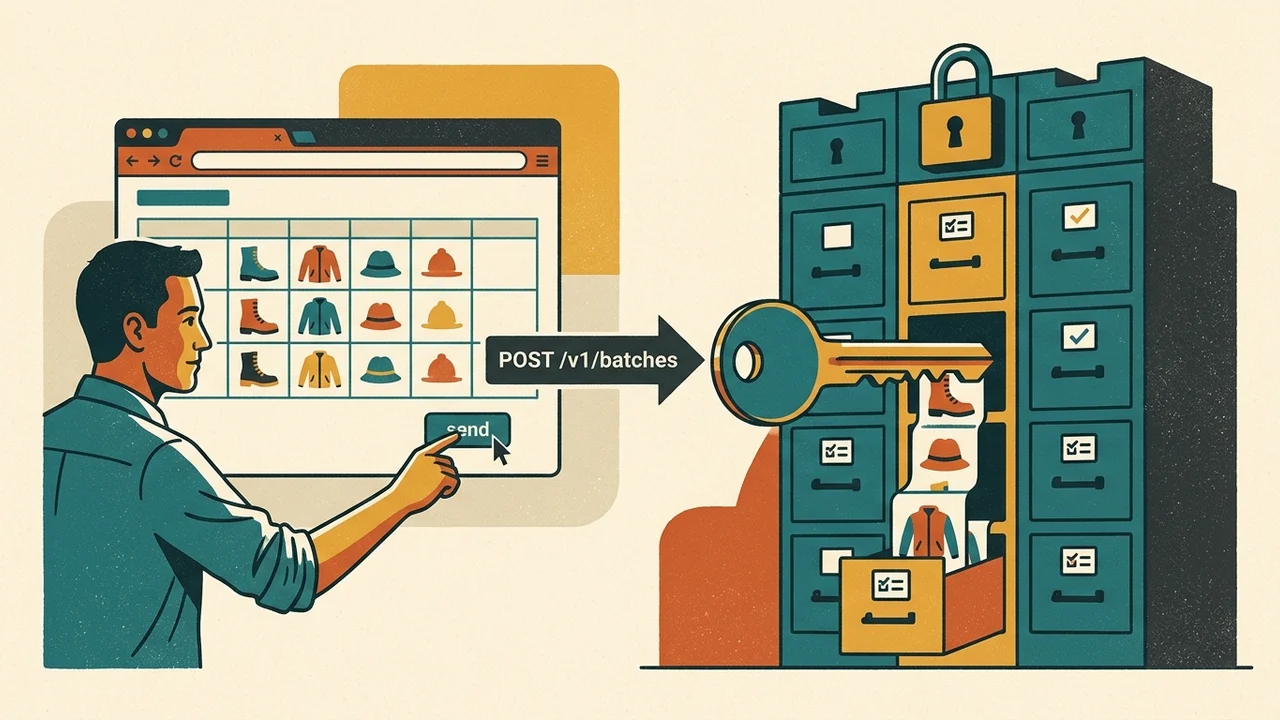
In our editorial line, BIAIG means BulkImagen agent skill + REST batch (skill docs, API docs). It is not GenBatch MCP—separate vendor, keys, and contract. Worth reading next: gpt-image-1 sunsets 23 Oct 2026:. Worth reading next: gpt-image-1 sunsets 23 Oct 2026:.
What the API accepts (vs what stays in Bubble)
- Base URL:
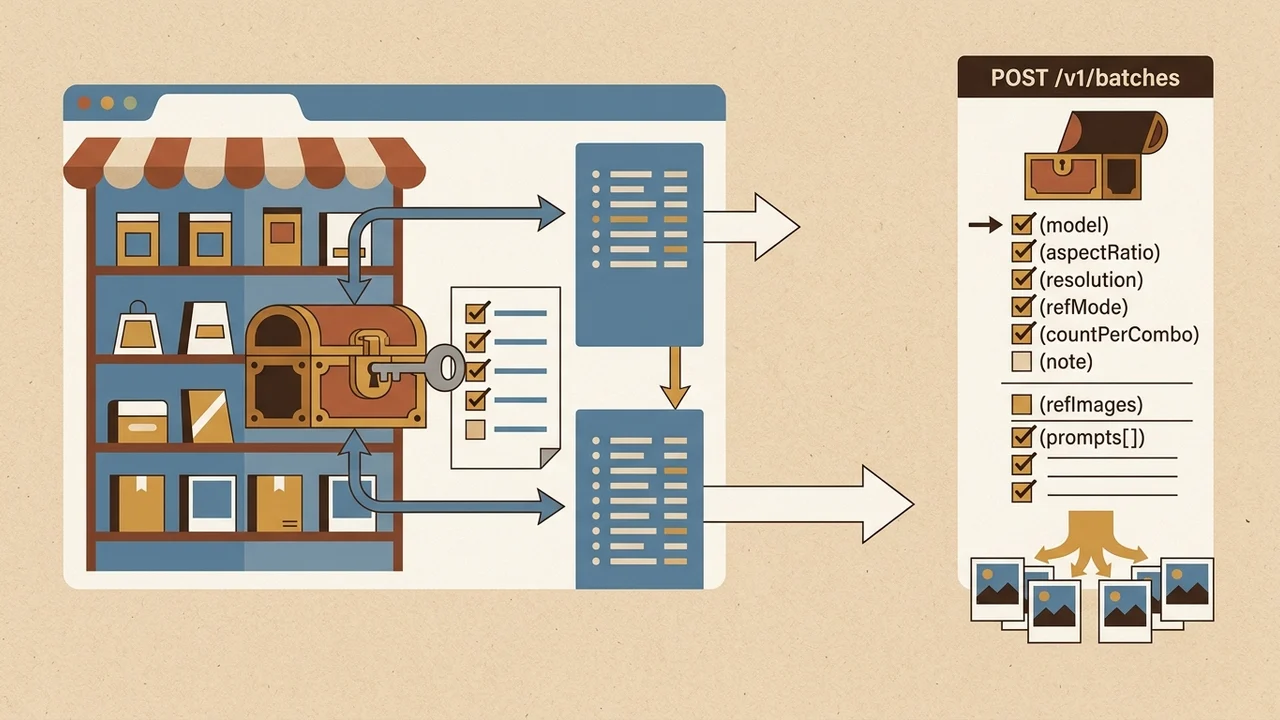
https://bulkimagen.com/api/v1, Bearer auth, server-side only—no CORS for browser calls (API documentation). - POST /v1/batches: one JSON body with batch-level
model,aspectRatio,resolution,refMode,refImages,countPerCombo, optionalnote;prompts[]fans out many images (OpenAPI, llms-full.txt). - BulkImagen “SKU template” is spreadsheet-first: required prompt column, optional ratio/count; Remix clones settings; ZIP/CSV manifest ties outputs to prompt/reference in the UI (SKU template blog, bulk product guide). There is no first-class SKU field in the API—SKU lives in your Bubble data;
batch.noteis free text only. - Credits charge at create; work is async—poll GET /v1/batches/{id} until
batch.doneis true, then use publicresultUrls(no auth). Worth reading next: OpenArt Bulk Create (500 CSV. Worth reading next: OpenArt Bulk Create (500 CSV.
| Name | What the API accepts / is for | What stays in Bubble / is not for |
|---|---|---|
| Base URL & auth | https://bulkimagen.com/api/v1 with Bearer auth, server-side calls |
Browser calls (no CORS) |
POST /v1/batches |
One JSON body: batch-level model, aspectRatio, resolution, refMode, refImages, countPerCombo, optional note; prompts[] to fan out many images |
— |
SKU & batch.note |
Optional batch.note as free text only |
First-class SKU field; SKU lives in your Bubble data |
| BulkImagen SKU template | Spreadsheet-first workflow in the product (required prompt column, optional ratio/count; Remix; ZIP/CSV manifest in UI) | No first-class SKU field in the API |
| Credits & async results | Credits charge at create; poll GET /v1/batches/{id} until batch.done is true; public resultUrls (no auth) |
— |
Official caps are images per batch and concurrent batches (Scale tier: up to 100 images/batch and 20 concurrent—pricing), not a “~500 row API limit.” Editorial ~500 is client-side chunking of large Bubble catalogs against fan-out math and GET /v1/me limits.
Bubble developer checklist
1. SKU template → Data Types
- Store a stable row id (Thing unique id or your SKU code)—do not rely on prompt text alone; duplicate prompts make task→row mapping ambiguous.
- Embed a correlation token in the prompt or in chunk sidecar state (e.g.
SKU-123|row_uid) for poll reconciliation. - Per-SKU reference photos: OpenAPI exposes one
refImages[]per batch, not per prompt. Practical options (docs-bounded):- many small batches (roughly one SKU per batch),
- batch-level refs with
refModethat fits your catalog, or - POST /v1/uploads first (max 20 files per request) orchestrated from the backend.
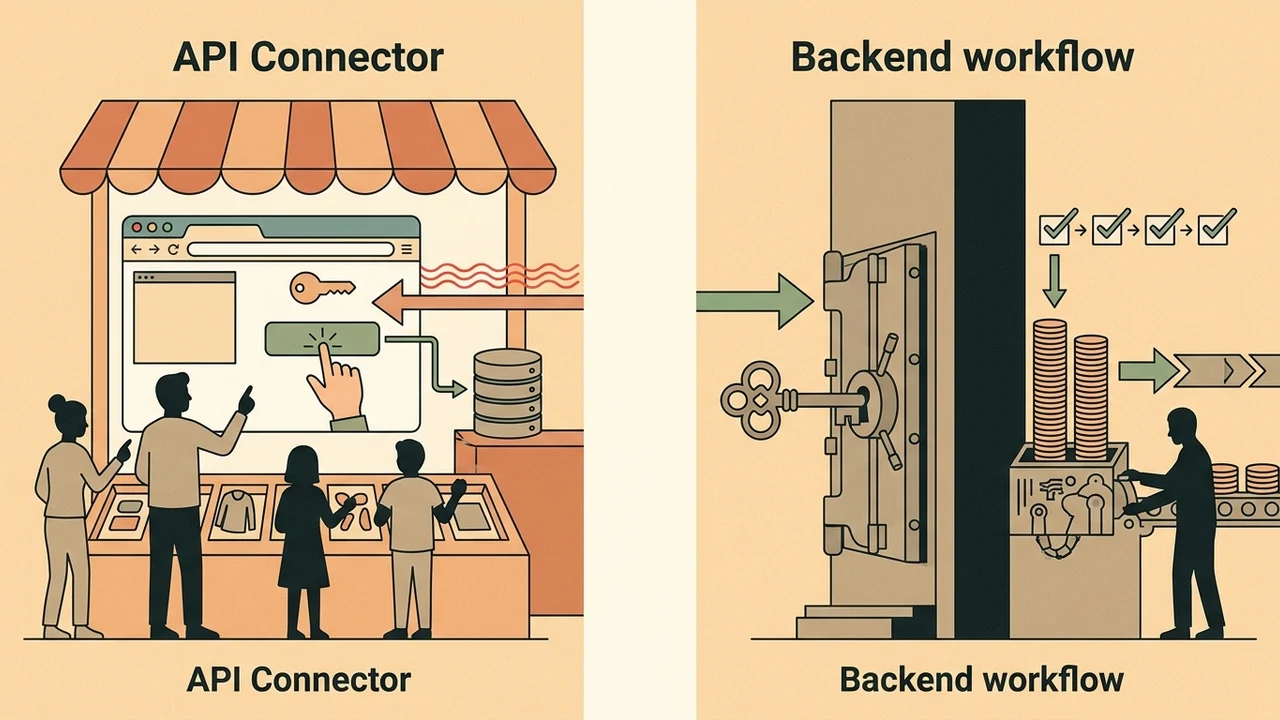
2. API Connector vs backend workflow
| Step | Recommendation |
|---|---|
| POST /v1/batches, GET batch, GET /v1/me | Backend workflow or server-side API Connector; never expose BULKIMAGEN_API_KEY to the client. |
| UI trigger | Button → Schedule API workflow on a list (chunks) or a dedicated backend; respect concurrent_limit_exceeded (Starter: 1 concurrent batch). |
| Persist PNGs | API Connector response type image/file, action “:saved to Bubble storage” (forum pattern). Public provider URLs may not match your retention policy. |
The agent skill mirrors the same flow in Cursor/CLI (catalog → cost confirm → uploads → batches → poll → download)—I use it to prototype payloads; production stays in Bubble backends.
3. Batch payload and ~500-row chunking
- GET /v1/me—confirm plan limits before a run.
- Compute images per chunk:
len(prompts) × countPerCombo(×refImagesforrefMode each)—stay under your tier’s images per batch (batch_limit_exceeded). - Split the catalog into chunks (~500 rows as an editorial ceiling, but size chunks by fan-out, not the number 500 alone).
- Per chunk: POST /v1/batches → persist
batchId, chunkIndex, and{row_id, prompt_token}map. - Poll about every 5 seconds (API docs) until
batch.done. - For each task: match via
prompt+ your map → update the Thing; save PNGs to Storage.
Avoid duplicate row work when chunking:
- Before POST, ensure
(catalog_run_id, chunkIndex, row_id)is not alreadysubmitted. - No public idempotency key—on retry after 500 or
concurrent_limit_exceeded, do not blindly re-POST the same chunk without checking for an existingbatchId(successful duplicates still charge). - On
prompt_too_long, surfacedetails.promptIndexto identify the failing row in the chunk.
4. Job status in Bubble
Minimal model:
- Bulk Run—catalog id, plan snapshot, overall progress.
- Bulk Chunk—
batchId, chunkIndex, state (submitted / polling / done / failed), error code. - Product row—
lastBulkBatchId, image, bulk status.
Tasks expose id, prompt, status, resultUrls—no promptIndex in the public schema; treat array order as a hint only, not the sole source of truth.
Risks (short)
refMode eachmultiplies billed images—easy to hit batch/plan limits or budget.- Failed tasks may refund per docs; successful retries do not.
- Do not conflate BulkImagen (
bik_live…) with GenBatch (gbm_…)—different APIs and limits (GenBatch’s guide describes its own job shape, e.g. items[] caps).
Takeaway
BulkImagen SKU templates are prompt-column + batch-level settings; Bubble owns SKU identity, chunking, dedup, and Storage. The BIAIG path: server-side POST /v1/batches → poll → map with stored batch id and row correlation → :saved to Bubble storage. Treat ~500 as a catalog chunking habit; size each API batch with fan-out and GET /v1/me, not a fictional 500-row API ceiling.
Sources: bulkimagen.com/docs/api, llms-full.txt, OpenAPI, agent skill, pricing, editorial ~500-row chunking, Bubble API Connector and forum upload pattern.