Bubble.io pricing in 2026: which plan fits a solo builder before you scale workflows
Per-app Web-only tiers, how WU behaves on Free vs paid, and when feature gates—not traffic—push you from Starter to Growth.
Who this is for
I wrote this for a founder or freelancer shipping a web-only Bubble app—not Mobile only, not Web + Mobile. My question was never “is Bubble worth it” in the abstract. It was which plan and how much Workload (WU) for prototype vs first production, without paying for the wrong product line. A closer look: Flare, Sunburst, and WaveSpeedAI: routing. A closer look: Flare, Sunburst, and WaveSpeedAI: routing.
Bubble bills per app, not per user account. Multiple client apps usually means multiple subscriptions unless you use the Agency path for building for others. A closer look: The ~500-row bulk-tools ceiling in. Worth reading next: OpenAI Decisions API (preview): classification.
The “Web only” line and public price anchors
Authoritative numbers and the full feature grid live on Bubble’s Pricing page. The Manual states that bubble.io/pricing and terms override docs when they disagree—I verify there before I commit.
Public Web only tiers (USD/month):
| Plan | Annual billing | Monthly billing | Bundled WU/month (marketing page)* |
|---|---|---|---|
| Free | $0 | $0 | ~50K |
| Starter | $29 | $32 | ~175K |
| Growth | $119 | $134 | ~250K |
| Team | $349 | $399 | ~500K |
* Confirm bundled WU on the pricing workload section; exact integers are not spelled out in the Manual body.
Enterprise is sales-led. I rarely treat it as the first move for a solo builder.
WU: the one metric that bites in dev and live
Workload Units cover server-side work: page loads, database ops, workflows, API traffic, and more. Usage accrues on a calendar month and resets monthly.
Facts I plan around from official docs:
- Both Live and Development run modes count toward total WU.
- The editor generally does not, except CSV bulk import/export in the Data tab.
- Paid plan materials mention 100,000 WU attributed to Development—but Live + Dev still roll into total consumption.
I do not guess WU from user count alone. I build on Free (or an eligible Starter trial), then read App Metrics under realistic flows—search, backend workflows, frequent API calls, bulk jobs. Treating “prototype” as zero WU burned me once; I do not repeat that.
Prototype vs production (web-only playbook)
Build and measure
- Free fits learning and MVP assembly; Bubble’s messaging is build first, upgrade when ready to launch.
- Custom domains require a paid plan (Manual FAQ). Free typically stays on ***.bubbleapps.io** until you upgrade.
- Free and Agency apps cannot buy workload tiers or enable pay-as-you-go overages. Hitting bundled WU without a capacity path can take the app offline—overages disabled. When an app suddenly stops, I check WU and plan limits first; bubble.io/status is for global uptime, not my app’s quota.
First branded production launch
- Starter (Web only) is documented as the tier to go live with custom domain and the backend workflow stack I expect in production.
- Eligible new apps may get a 14-day Starter trial (within 10 days of app creation; per app; auto-converts unless canceled; $1 card pre-auth).
- If the project is stable, annual billing is slightly cheaper than monthly on Starter/Growth/Team.
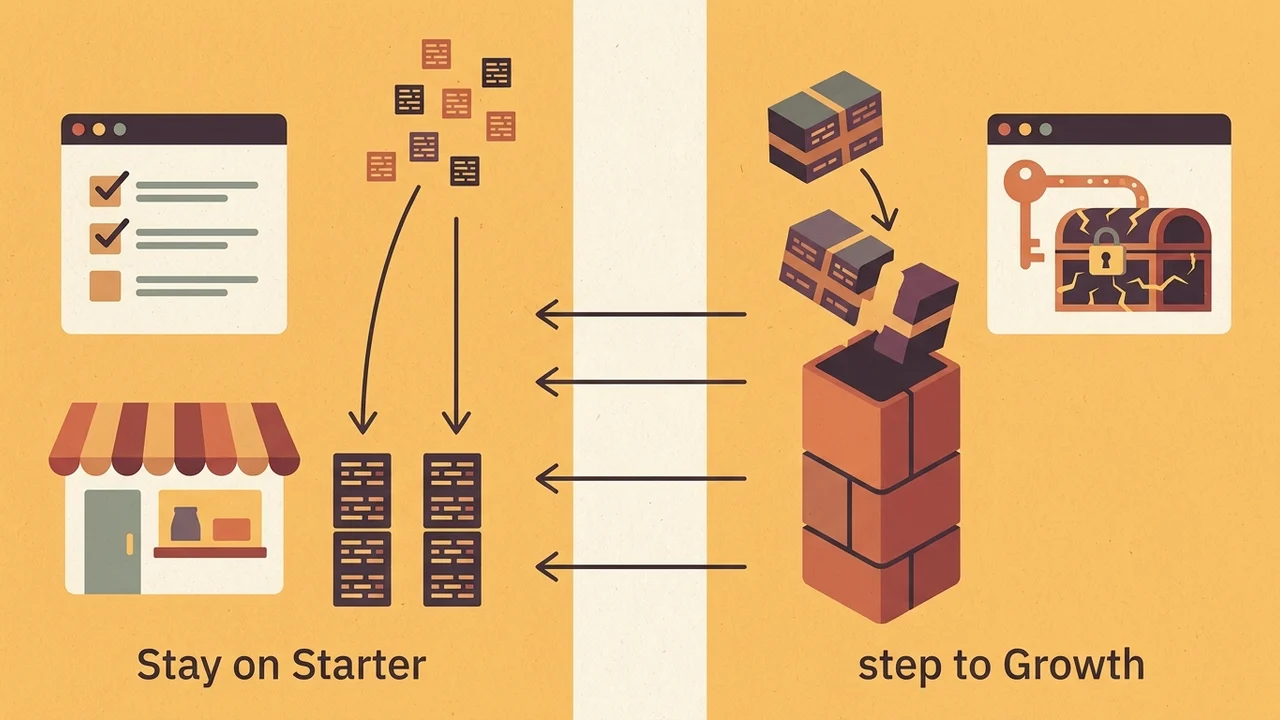
Stay on Starter vs step to Growth
I stay on Starter when the bottleneck is WU volume, not features:
- Default overage on Starter/Growth/Team (when enabled) is $0.30 per 1,000 WU.
- For sustained scale, workload tier add-ons are the discounted path; Bubble’s own guidance: pick the plan for features first, then add workload. Worth reading next: Meta Muse Image on fal. Worth reading next: Batch API up to 50k.
| Approach | What it is for | What it is not for |
|---|---|---|
| Stay on Starter vs step to Growth | Choosing the plan whose features you need | Picking a plan mainly to solve workload |
| Default overage (Starter/Growth/Team, when enabled) | Pay-as-you-go at $0.30 per 1,000 WU | Sustained scale (discounted path is workload tier add-ons) |
| Workload tier add-ons | Sustained scale at discounted rates | — |
| Bubble guidance | Features first, then add workload | — |
I move to Growth when I need capabilities Starter does not unlock (from Manual/UI copy—not a complete matrix here):
- deploying with collaborators;
- Workflow/Data API in Live;
- Algolia search;
- full app import/export;
- platform release-tier control.
Team adds sub-apps and push-to-sub-app updates—usually later than a solo web MVP needs.
Beyond the subscription line item
- Bandwidth (Manual): Free 1 GB, Starter 100 GB, Growth 500 GB, Team 1 TB.
- Extra file storage: $3/month per 100 GB.
- Plugins bill per app—many free, some paid.
- Email (e.g. SendGrid), third-party APIs, and paid templates sit outside base plan price.
- Student/educator/non-profit 30% discount with documentation (Plans and billing).
Bubble publishes a cost estimator at bubble.io/cost-estimator for plan + WU modeling. Blog examples of workload tier SKUs may age; I treat pricing page numbers as current.
Freelancers and client apps
When I build for clients, I look at Agency subscription and transferring the app to the client’s paid plan for production (Manual: Building Apps for Others). I do not mix that with “I’ll just use my Free account for everything”—billing and WU rules differ.
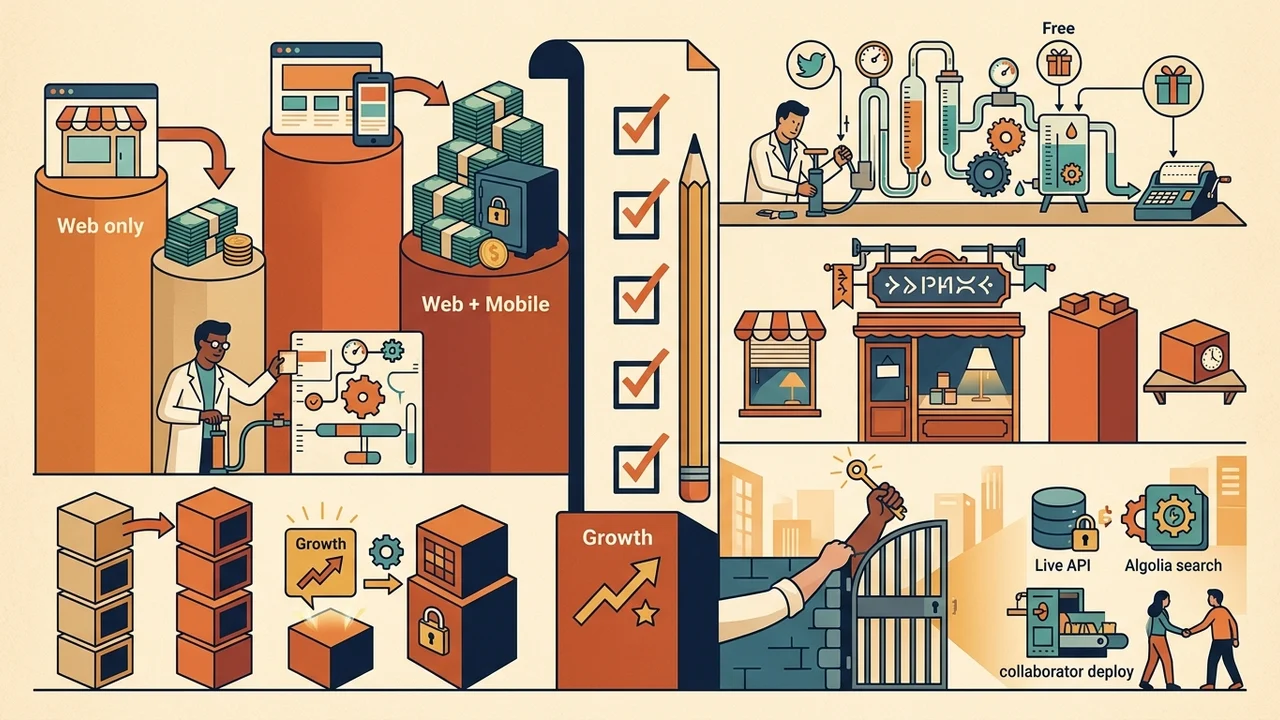
Decision checklist
- Confirm Web only—do not quote Web + Mobile Starter pricing when you only ship web (Web + Mobile annual Starter is higher than Web only $29).
- Free → build and measure WU including dev testing.
- Custom domain launch → Starter; use trial if eligible.
- Out of WU, features OK → workload tier or controlled overages on Starter.
- Need Live API, Algolia, collaborator deploy → Growth.
- Re-read bubble.io/pricing and the Manual FAQ on pricing and workload before checkout.
| Situation | Action | Notes |
|---|---|---|
| You only ship web | Confirm Web only pricing | Do not quote Web + Mobile Starter; Web + Mobile annual Starter is higher than Web only $29 |
| Free tier | Build and measure WU | Include dev testing in WU |
| Custom domain launch | Starter | Use trial if eligible |
| Out of WU, features OK | Workload tier or controlled overages on Starter | — |
| Need Live API, Algolia, collaborator deploy | Growth | — |
| Before checkout | Re-read bubble.io/pricing and Manual FAQ | Pricing and workload |
Prices, bundled WU, and feature bullets change. This article is my compare framework for solo builders—not a substitute for the official page, and not a stand-in for bubble.io reviews or login troubleshooting.